Bot Editor
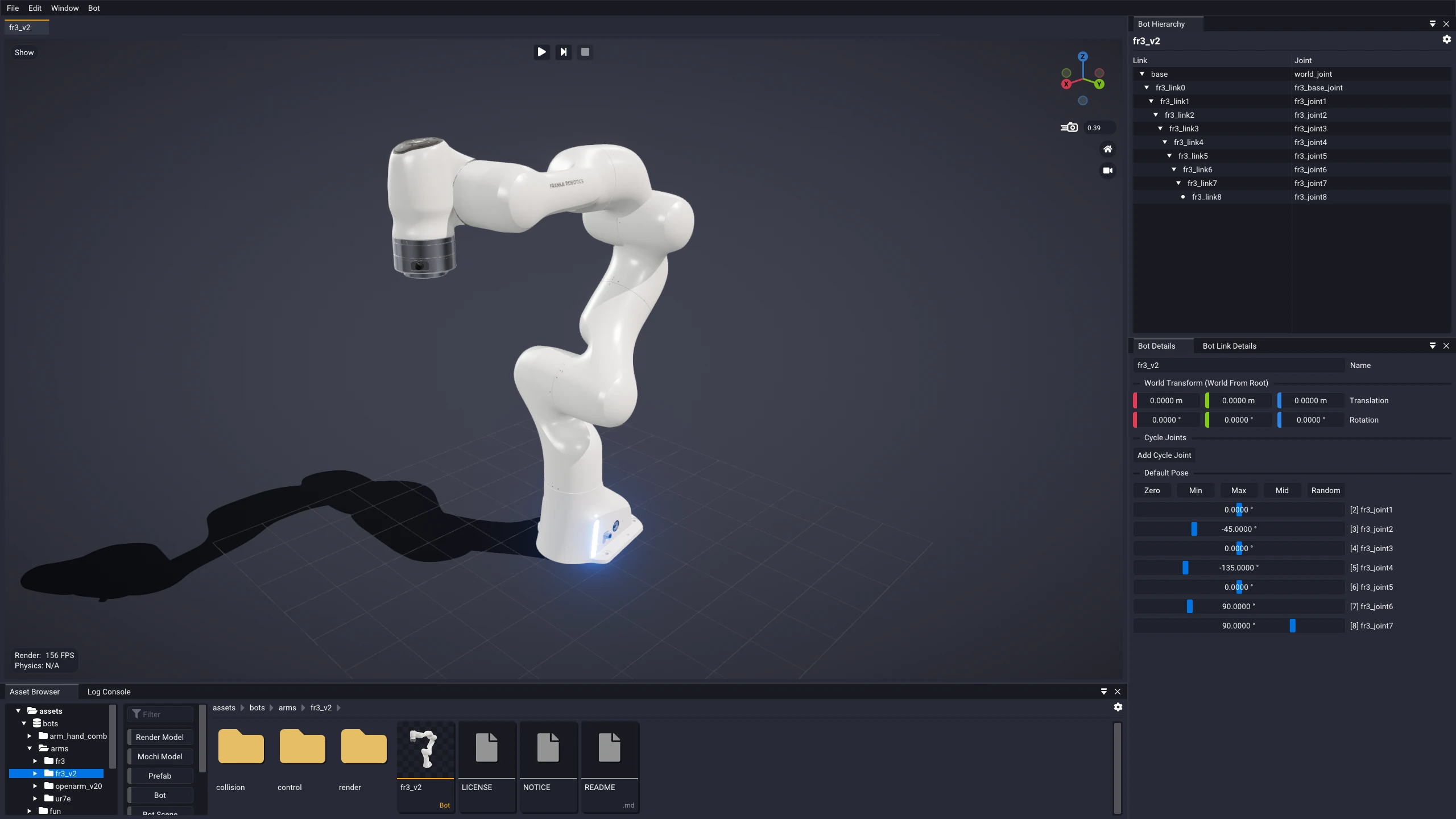
The Bot Editor is a complete toolkit for authoring simulation-ready
.superdex_bot assets. Import a robot, tune its physical properties against a
live simulation, and compose it with others — all from a set of dockable windows
arranged around an instantly simulatable bot, so every edit is immediately
visible in motion.
What's here
The guides below follow the workflow end to end, from a raw robot description to a bot you can drive.
| Guide | What it covers |
|---|---|
| Importing | Bringing a robot into Studio with the URDF import wizard. |
| Editing | Creating a bot, and editing its hierarchy, links, joints, and contact. |
| Modding | Composing Mod Bots from a base bot and a chain of modifications. |
| Visualization | Visualization settings and physics debug draw for bots. |
| Simulation and Control | Running live physics and driving the bot with the Bot Control window. |
| Archive and Export | Freezing a bot and everything it references into a self-contained snapshot, and exporting it. |
See also
- Prefab Editor Guide — composing actors into a prefab.
- Model Editor Guide — the modifier stack that builds collision geometry.