Modifying Bots
The Bots guide covers defining a single bot from
scratch. This guide focuses on combining or modifying existing bots — a
typical example is attaching hands to arms. A ModBotPrefab builds a BotPrefab
by applying an ordered list of modifications to a base bot.
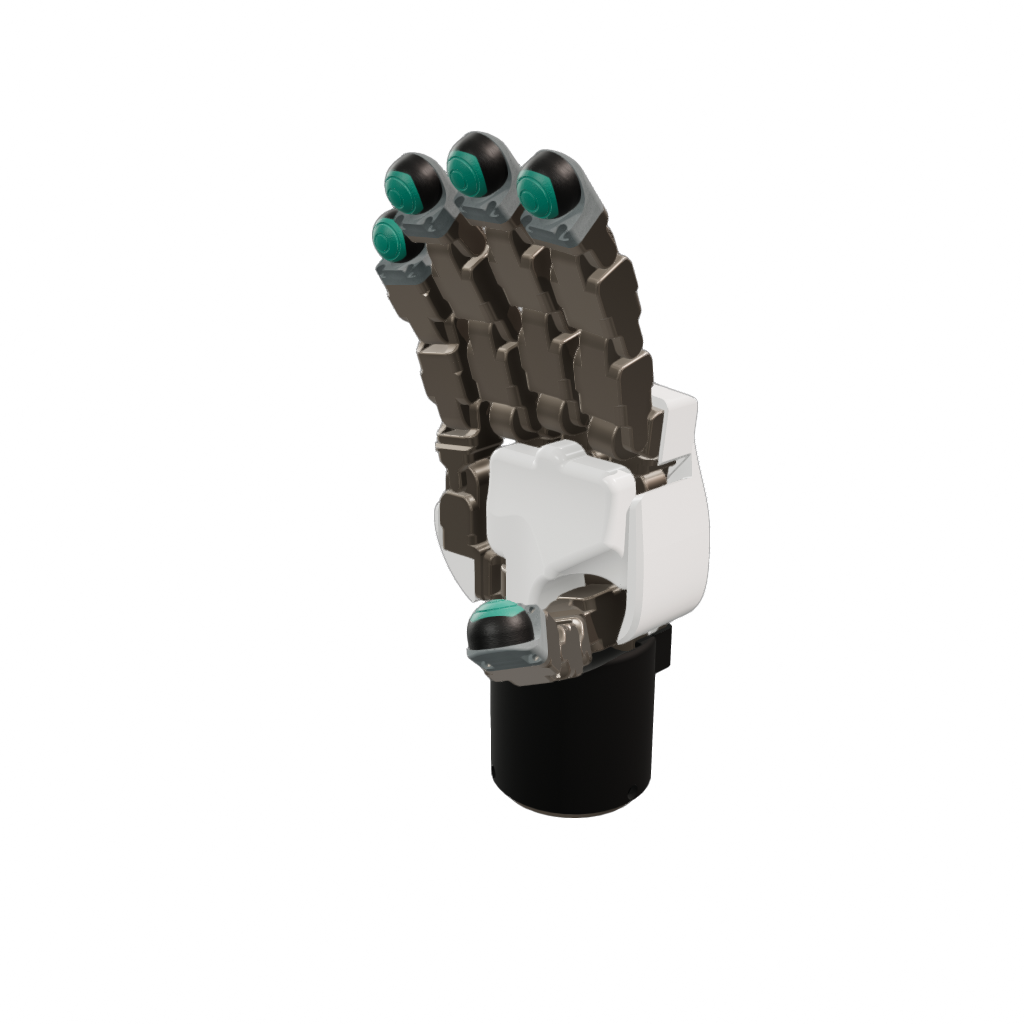
A unique capability of mod bots is that they are lightweight references to other bot files, resolved and built at runtime rather than copied in. As a result, changes or improvements made to a base bot (e.g. an FR3 arm) automatically propagate to every bot that references it. Additionally, mod bots can replace links and joints on an existing bot — for example, swapping the fingertips of a commercial hand with custom sensorized ones.
Mod bots can reference other mod bots, so modifications compose across multiple levels of recursion: a station can reference a bimanual rig, which references an arm+hand combo, which references the individual arm and hand bots.
ModBotPrefab (Python/C++)
A modification recipe is serialized to a .superdex_bot file (JSON) — the same
extension as a plain bot — and backed by the class ModBotPrefab. The loader
detects which kind a file holds and, for a ModBotPrefab, applies its
modifications and returns the final, compiled BotPrefab.
| Field | Type | Description |
|---|---|---|
name | string | Name for the resulting bot. |
base | string | File path to the base .superdex_bot file. |
modifications | BotMod[] | Ordered list of modifications applied to the base. |
Modifications are applied in serial order, each operating on the result of
the previous one. A modification may therefore reference links, joints, or bots
introduced by an earlier modification. In Example 2,
the thumb's ReplaceLink first swaps dg5f_link_1_4 for a new
dg5f_link_1_4_mount link; the following AttachBot then mounts a sensor onto
dg5f_link_1_4_mount — a link that only exists because the prior modification
created it.
Modification Types
Each modification is a BotMod of one of the types below. All share a name (a
human-readable label for the modification) and an enabled flag (set it to
false to skip a modification without removing it from the list).
| Modification | Purpose | Key fields |
|---|---|---|
AttachBot | Attach an external bot (loaded from file) to a link on the base, joined by a new joint. The attached bot's links and joints are merged in, optionally under a prefix. | parentLinkName, joint, prefix, path |
AttachLink | Attach a single new inline link to a parent link, joined by a new joint. Like AttachBot, but for one hand-authored link rather than a referenced bot file. Useful for small adapters — e.g. a camera mount or a mount plate — between the base bot and an attached bot. | parentLinkName, joint, link |
ReplaceLink | Swap an existing link (and its descendants) for a new inline link, preserving the original connecting joint. Useful for retrofitting a single link, e.g. a sensorized fingertip. | linkToReplace, link |
ReplaceLinkWithBot | Swap an existing link (and its descendants) for an external bot, preserving the original connecting joint. The replacement's names may be prefixed. E.g. replace an arm's end-effector stub with a gripper bot. | linkToReplace, prefix, path |
AttachBot and ReplaceLinkWithBot accept a prefix that is applied to the
attached bot's links and joints. This is for scenarios where both bots define a
link or joint with the same name — for example, URDF-imported bots commonly have a world or base link — which would otherwise collide (recall that link and joint
names must be unique across a bot). Prefixing the attached bot's names (e.g.
dg5f/) keeps them distinct. Prefixes also disambiguate multiple copies of the
same bot — for example, attaching two identical arms to a torso with left_ and
right_ prefixes.
Example 1: Attach a Gripper to an Arm
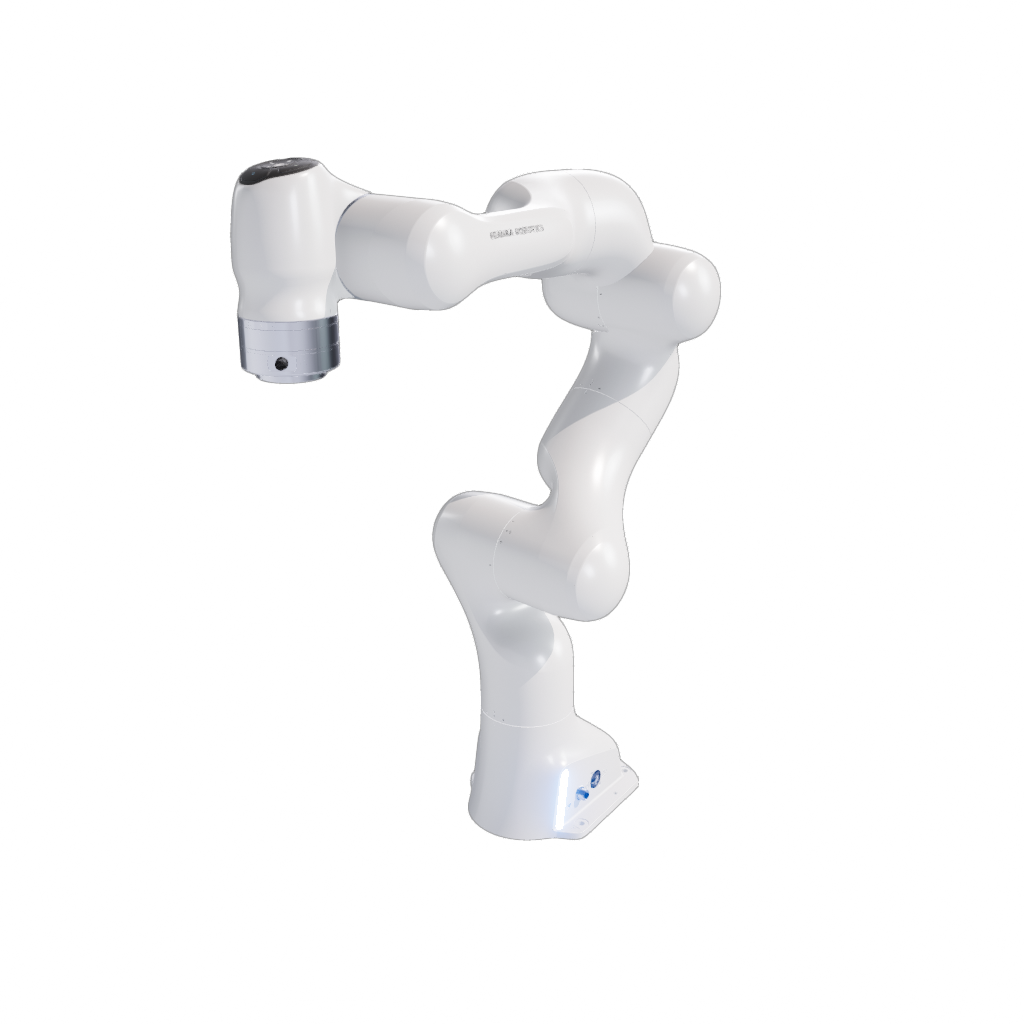
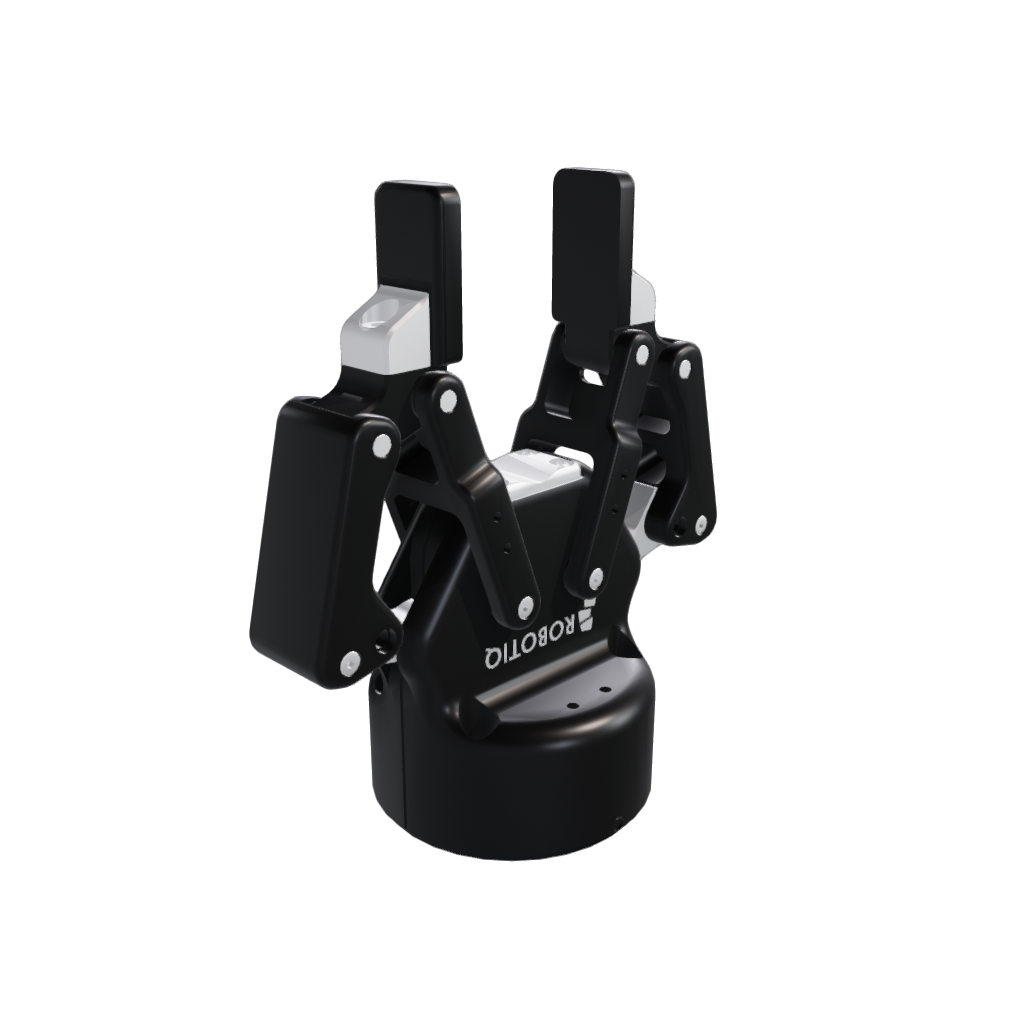
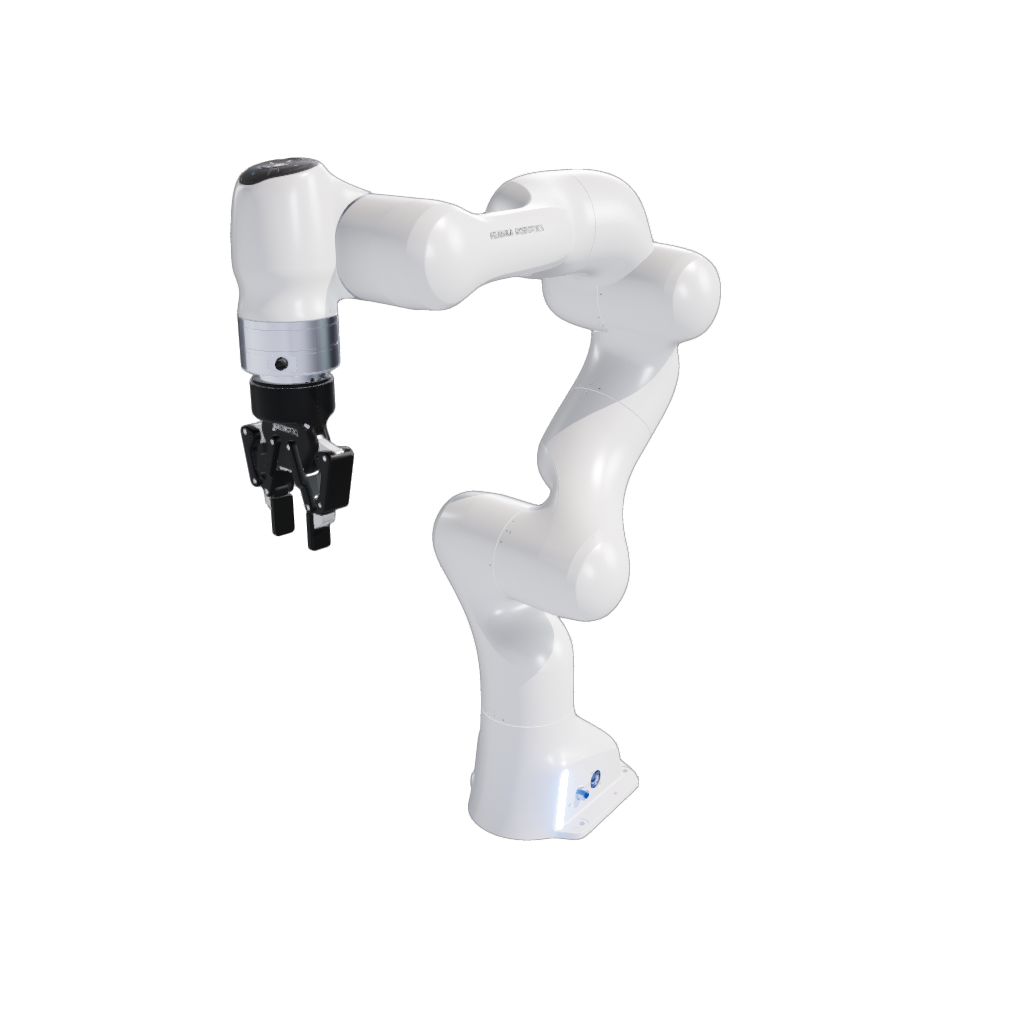
One of the most common modifications is attaching a hand or gripper to an arm. A
combined bot such as fr3_v2_2f_85 is expressed as a base arm plus an AttachBot
modification that attaches a gripper to the arm's wrist link:
{
  "base": "//arms/fr3_v2/fr3_v2.superdex_bot",
  "modifications": [
    {
      "AttachBot": {
        "enabled": true,
        "joint": {
          "name": "fr3_v2_to_2f_85",
          "type": "Hard"
        },
        "name": "2f_85",
        "parentLinkName": "fr3_link8",
        "path": "//grippers/2f_85/2f_85.superdex_bot"
      }
    }
  ],
  "name": "fr3_v2_2f_85"
}
Example 2: Replace Fingertips and Attach Sensors
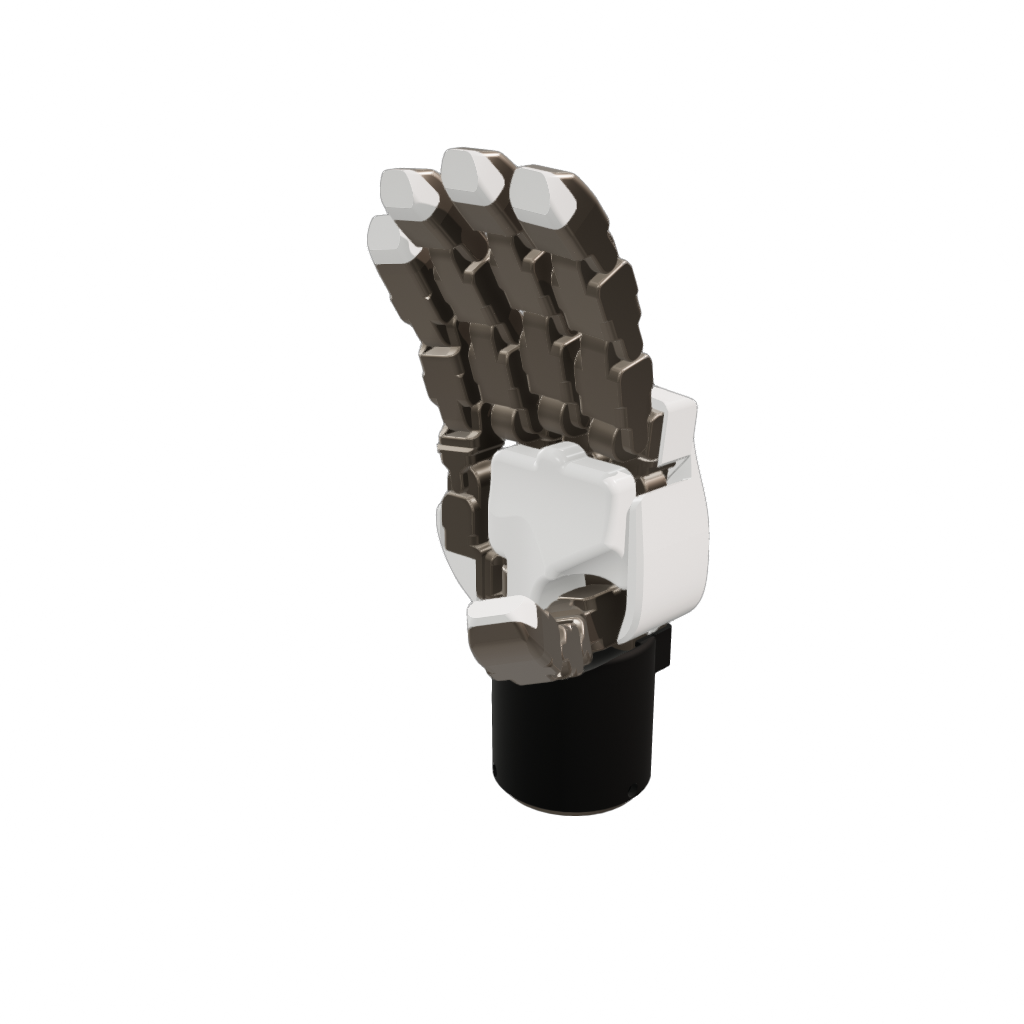
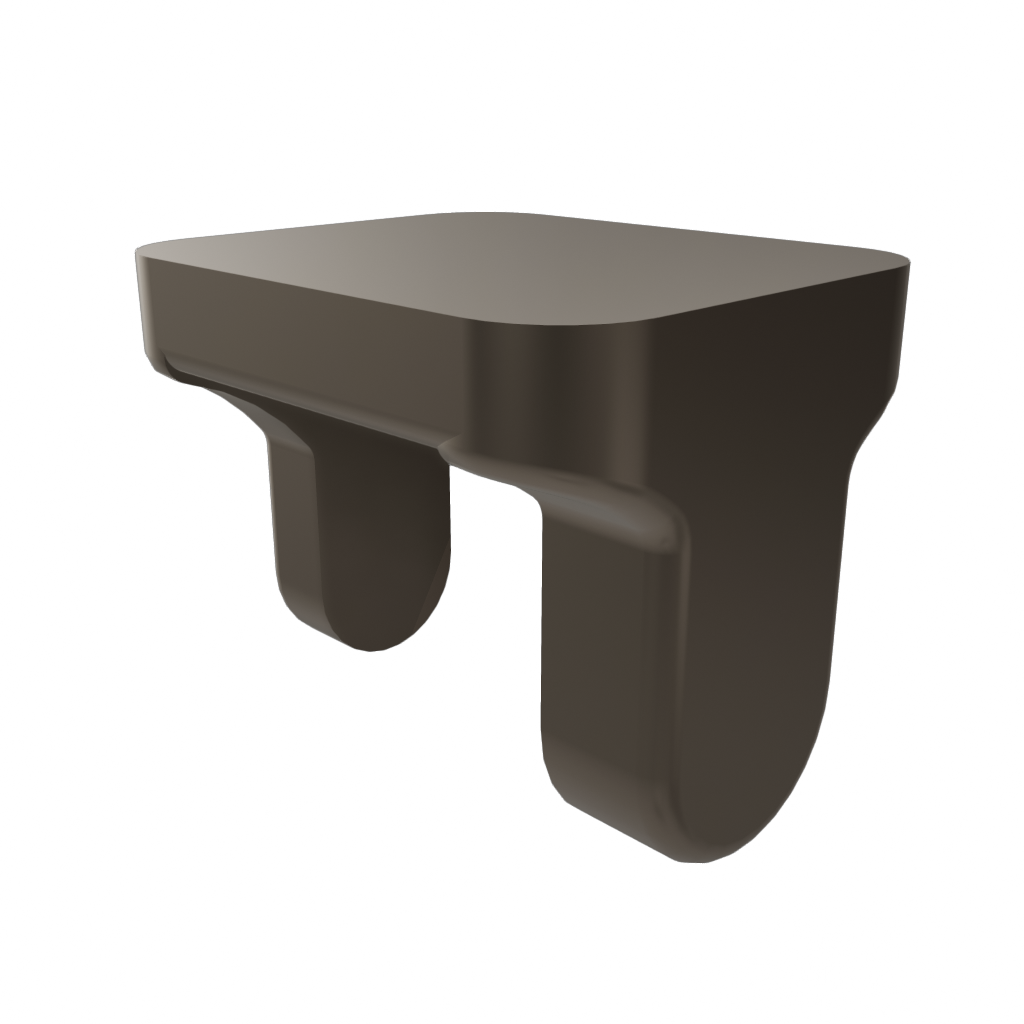
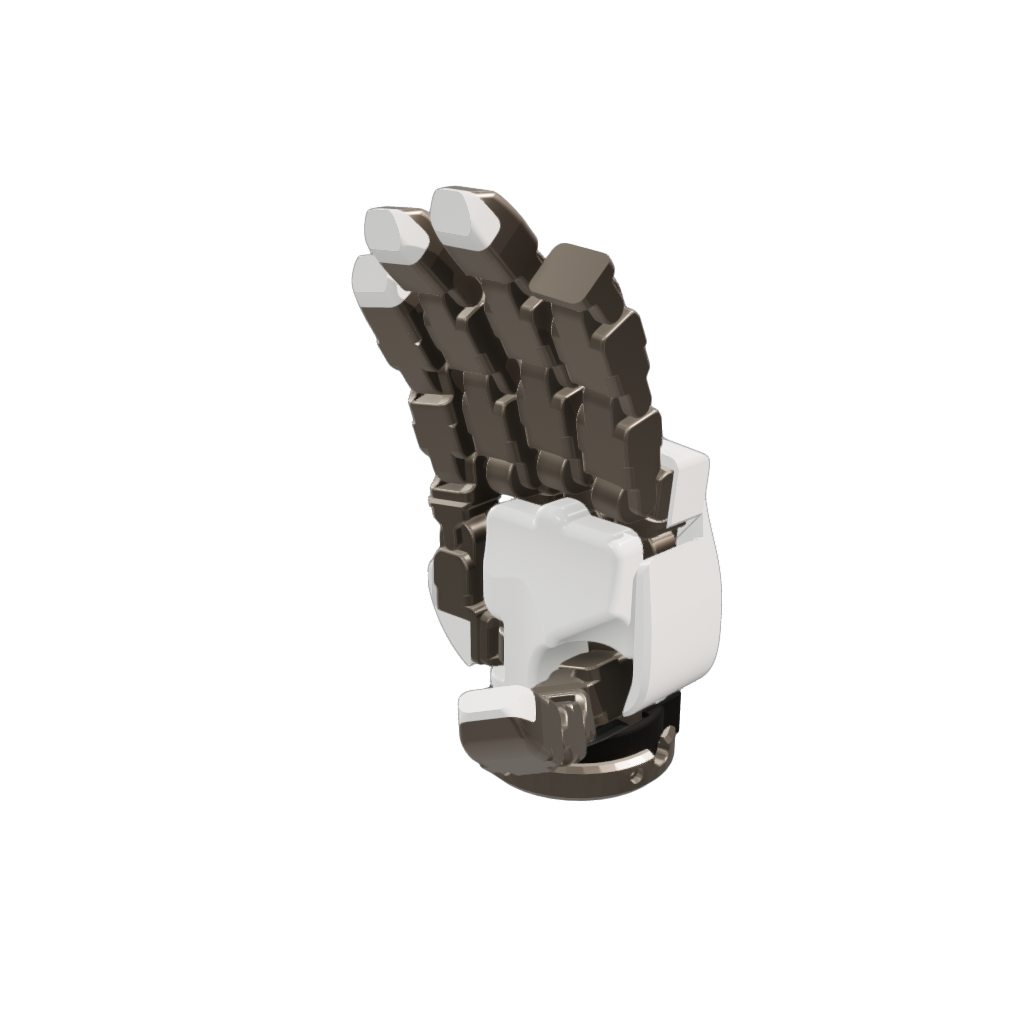
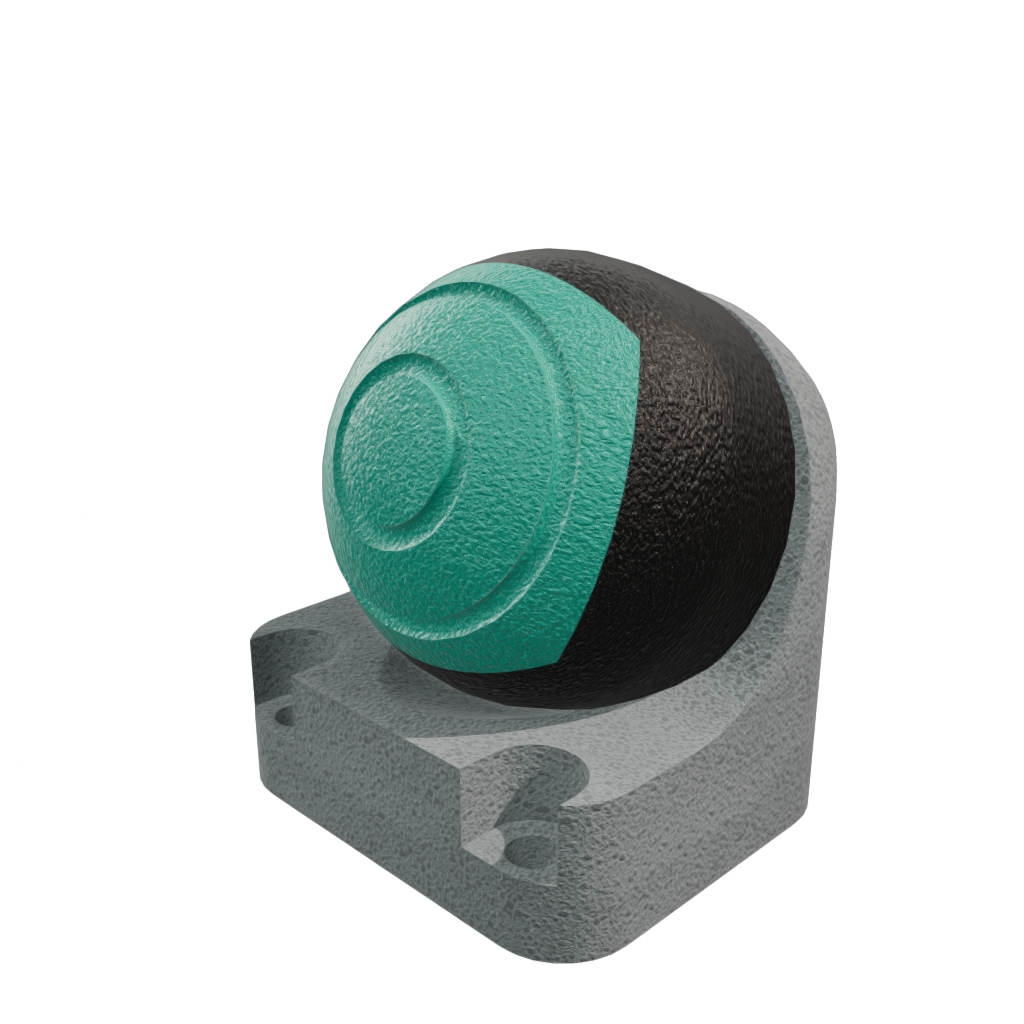
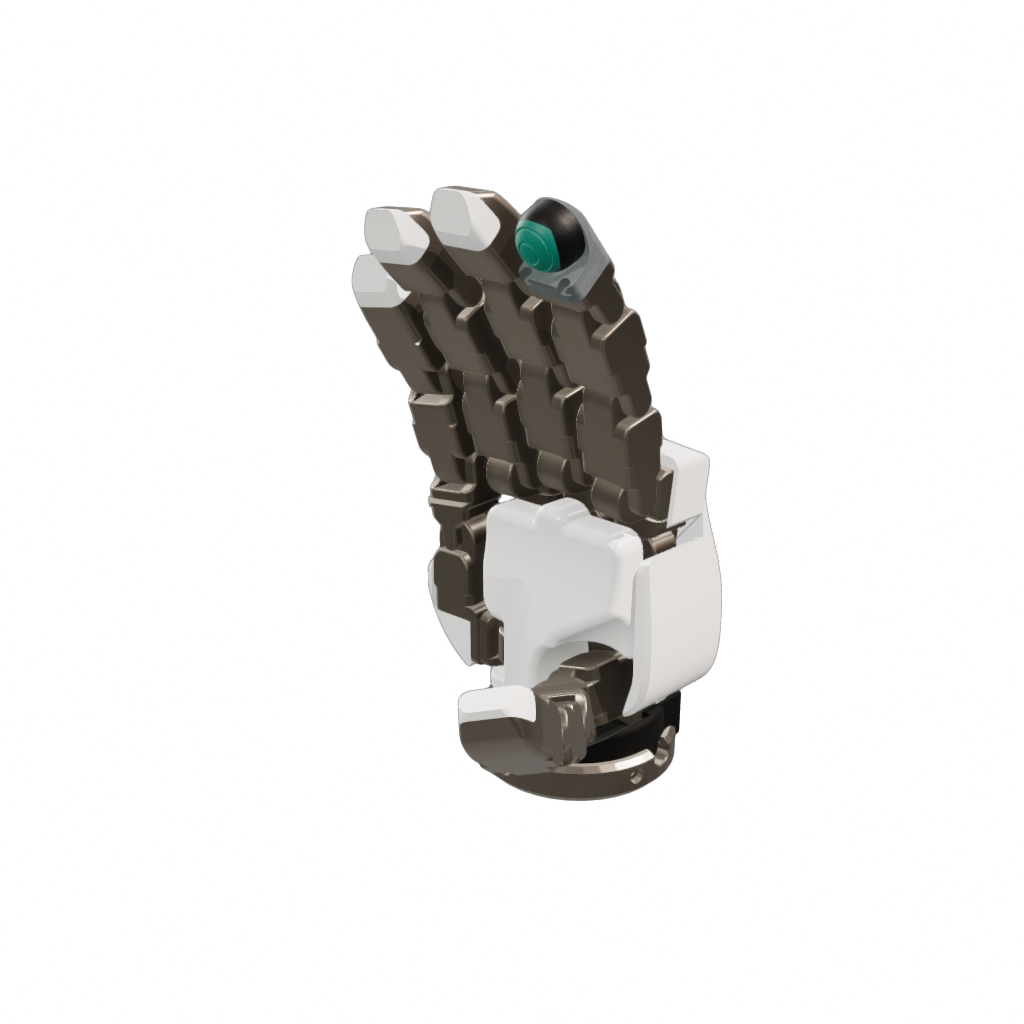
Modifications can also reach inside a bot to swap out links. The dg5f_long_seed
hand starts from a stock dg5f_long hand and, for each finger, uses a
ReplaceLink to swap the fingertip for a sensor-ready mount and an AttachBot
to mount a tactile sensor on it. Only the thumb is shown below; the remaining
fingers repeat the same two-step pattern:
{
  "base": "//hands/dg5f_long/right/dg5f_long_right.superdex_bot",
  "modifications": [
    {
      "ReplaceLink": {
        "enabled": true,
        "linkToReplace": "dg5f_link_1_4",
        "name": "thumb_link",
        "link": {
          "name": "dg5f_link_1_4_mount",
          "mass": 0.0322,
          "centerOfMass": [-0.000207, 0.0105, 0],
          "momentOfInertia": [3.49e-06, -6.51e-08, 0, 2.00e-06, 0, 3.67e-06],
          "renderModel": "render/dg5f_link_1_4_mount_render.glb",
          "shape": "collision/dg5f_link_1_4_mount_collision.mochi.h5"
        }
      }
    },
    {
      "AttachBot": {
        "enabled": true,
        "name": "thumb_seed",
        "parentLinkName": "dg5f_link_1_4_mount",
        "path": "//sensors/dg5f_seed/dg5f_seed.superdex_bot",
        "prefix": "dg5f_link_1_4_seed_",
        "joint": {
          "name": "dg5f_link_1_4_seed_mount_joint",
          "type": "Hard",
          "parentLinkFromJoint": {
            "rotation": [-0.504, -0.496, -0.504, 0.496],
            "translation": [0, 0.0363, 0]
          }
        }
      }
    },
    ...
  ],
  "name": "dg5f_long_seed_right"
}
Example 3: Modular Bots
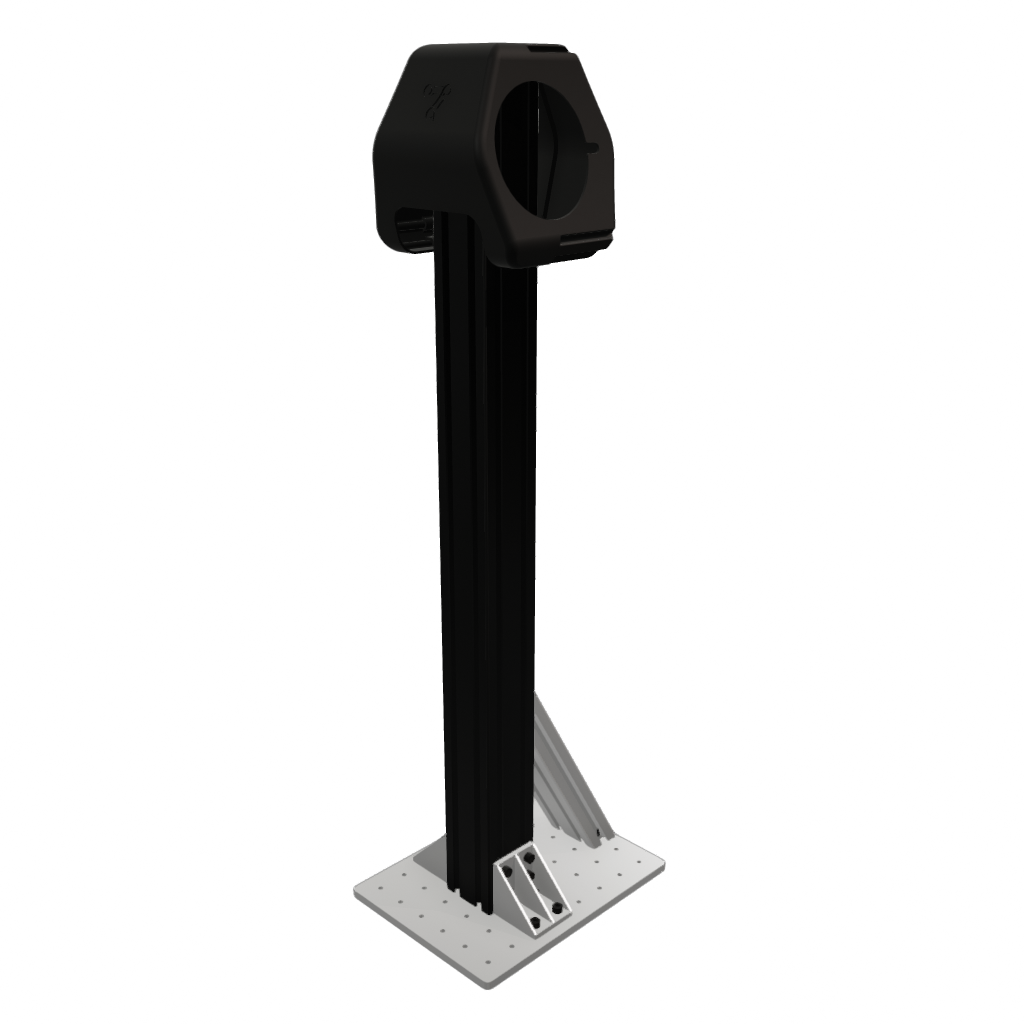
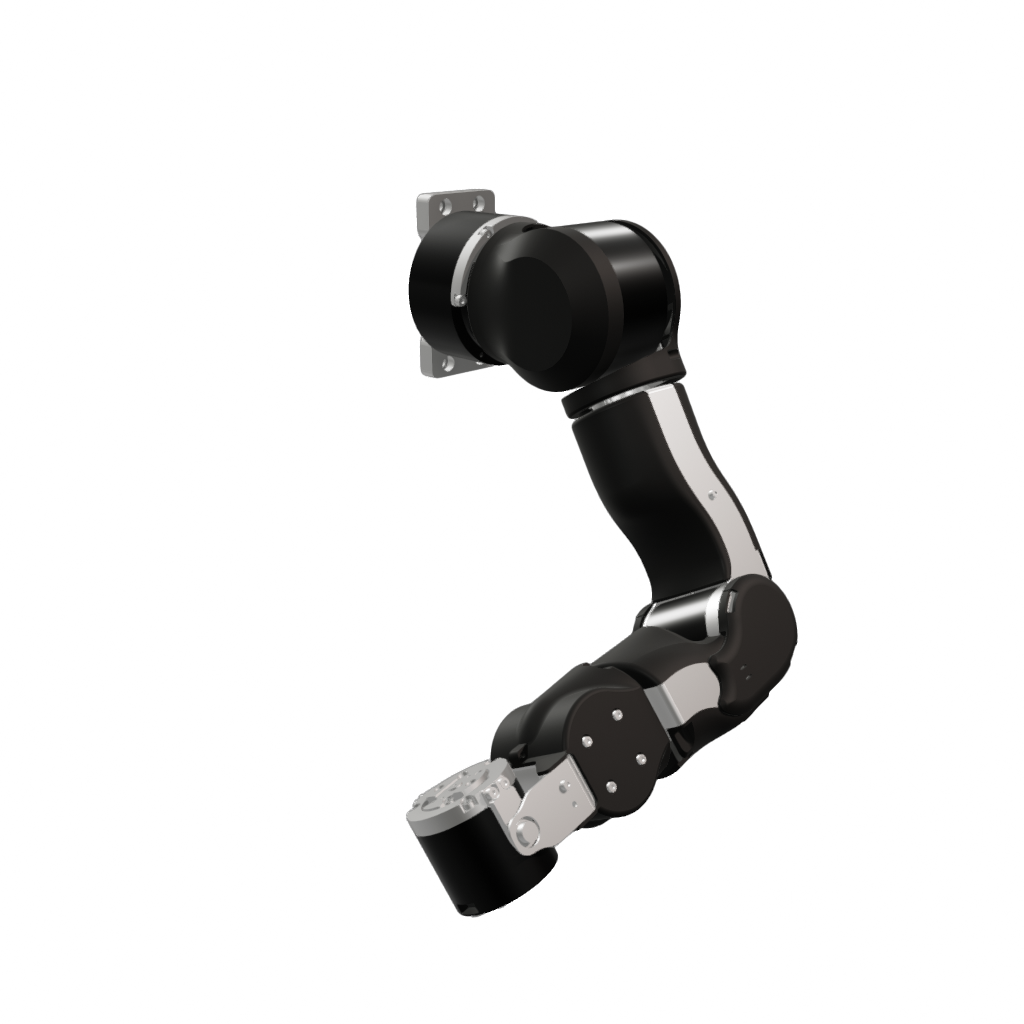
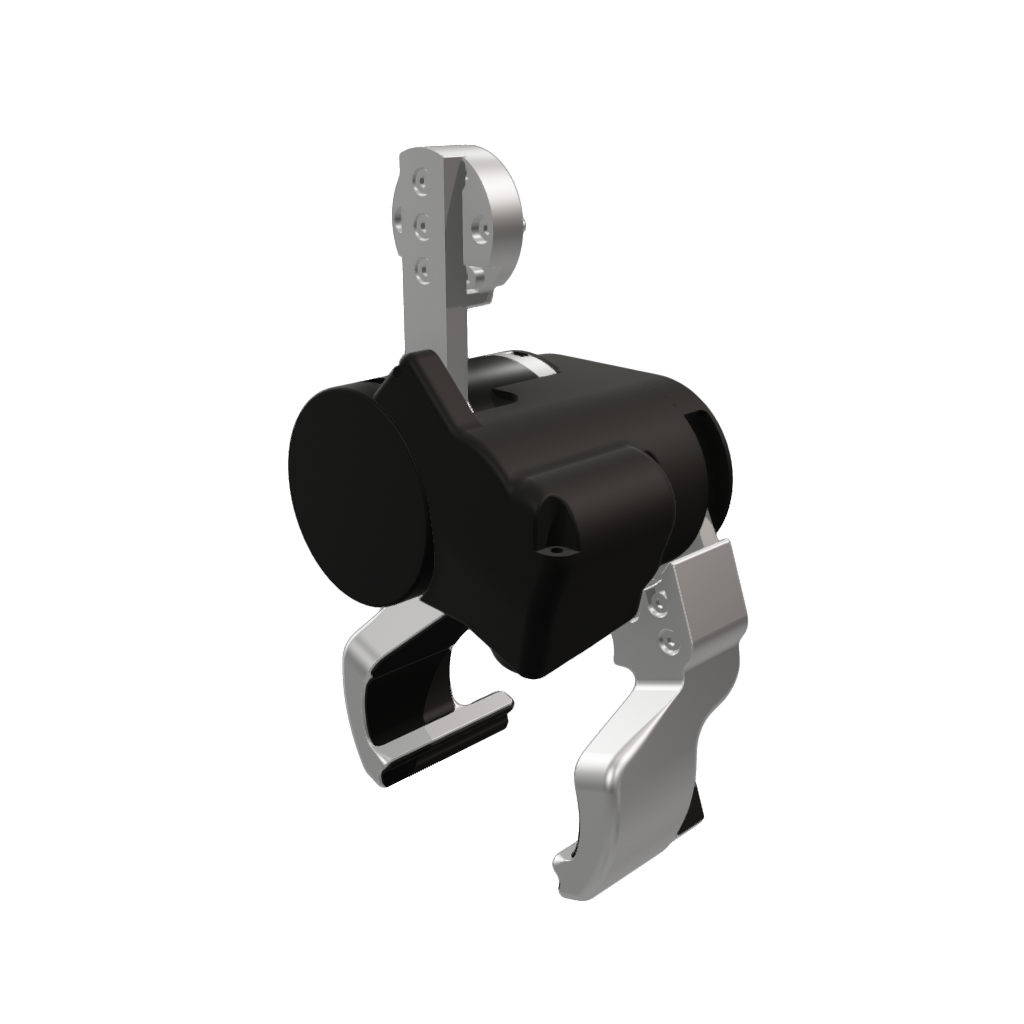
Because sub-bots are referenced rather than copied, whole robots can be assembled
modularly from independently authored parts. The openarm_v20 bimanual station
starts from a torso, AttachBots a left and right arm, then uses
ReplaceLinkWithBot to swap each arm's end-effector base for a gripper:
{
  "base": "//torsos/openarm_v20/openarm_v20_torso.superdex_bot",
  "modifications": [
    {
      "AttachBot": {
        "enabled": true,
        "name": "left_arm",
        "parentLinkName": "openarm_left_base_link",
        "path": "//arms/openarm_v20/left/openarm_v20_left_arm.superdex_bot",
        "prefix": "arm_",
        "joint": { "name": "torso_to_left_arm", "type": "Hard" }
      }
    },
    {
      "ReplaceLinkWithBot": {
        "enabled": true,
        "linkToReplace": "arm_openarm_left_ee_base_link",
        "name": "left_gripper",
        "path": "//grippers/openarm_v20/left/openarm_v20_left_gripper.superdex_bot"
      }
    },
    {
      "AttachBot": {
        "enabled": true,
        "name": "right_arm",
        "parentLinkName": "openarm_right_base_link",
        "path": "//arms/openarm_v20/right/openarm_v20_right_arm.superdex_bot",
        "prefix": "arm_",
        "joint": { "name": "torso_to_right_arm", "type": "Hard" }
      }
    },
    {
      "ReplaceLinkWithBot": {
        "enabled": true,
        "linkToReplace": "arm_openarm_right_ee_base_link",
        "name": "right_gripper",
        "path": "//grippers/openarm_v20/right/openarm_v20_right_gripper.superdex_bot"
      }
    }
  ],
  "name": "openarm_v20"
}
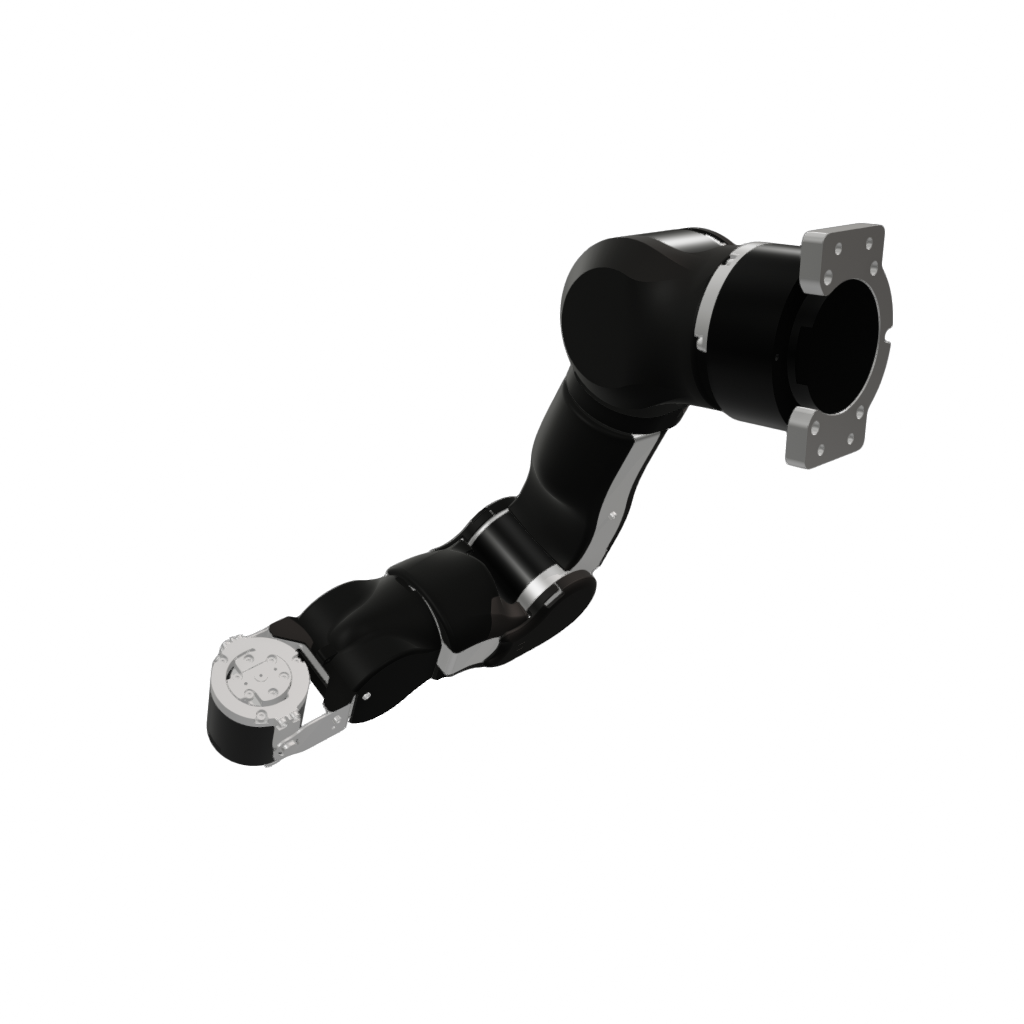
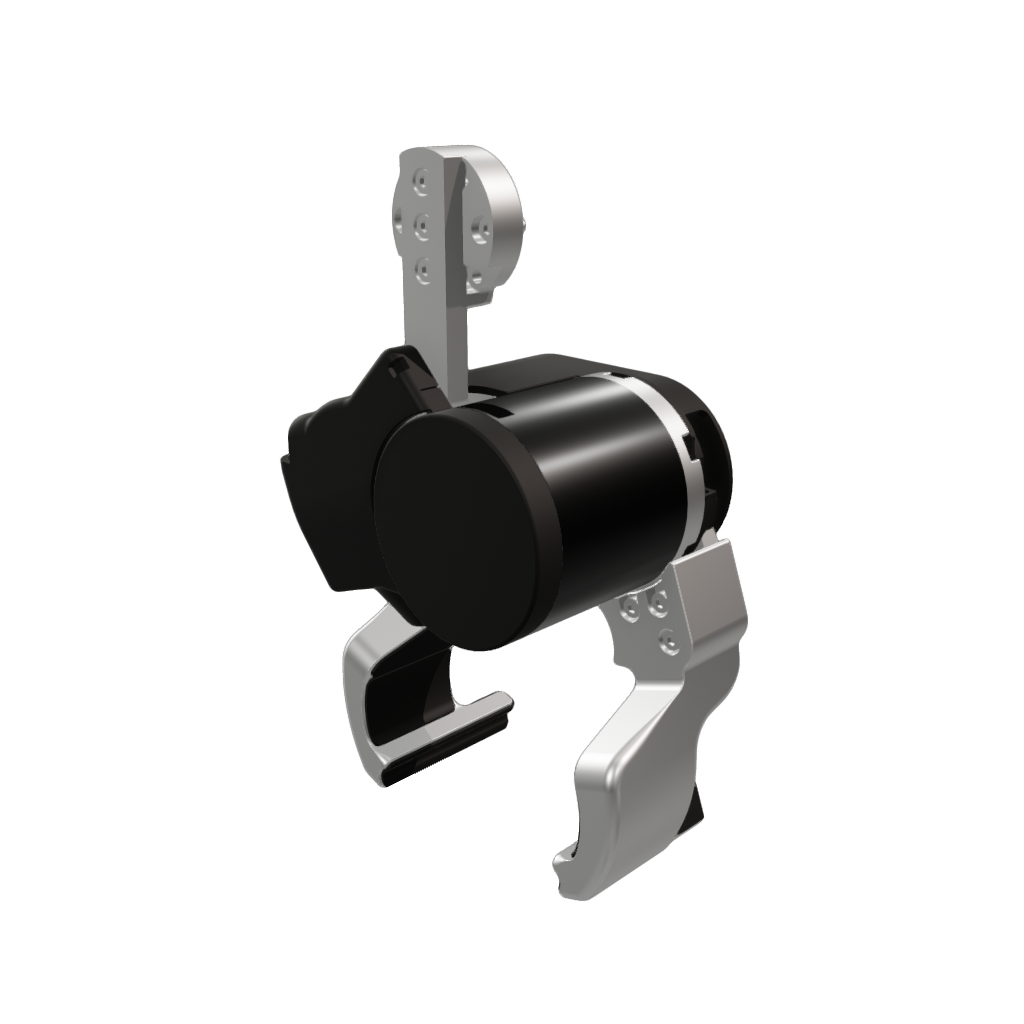
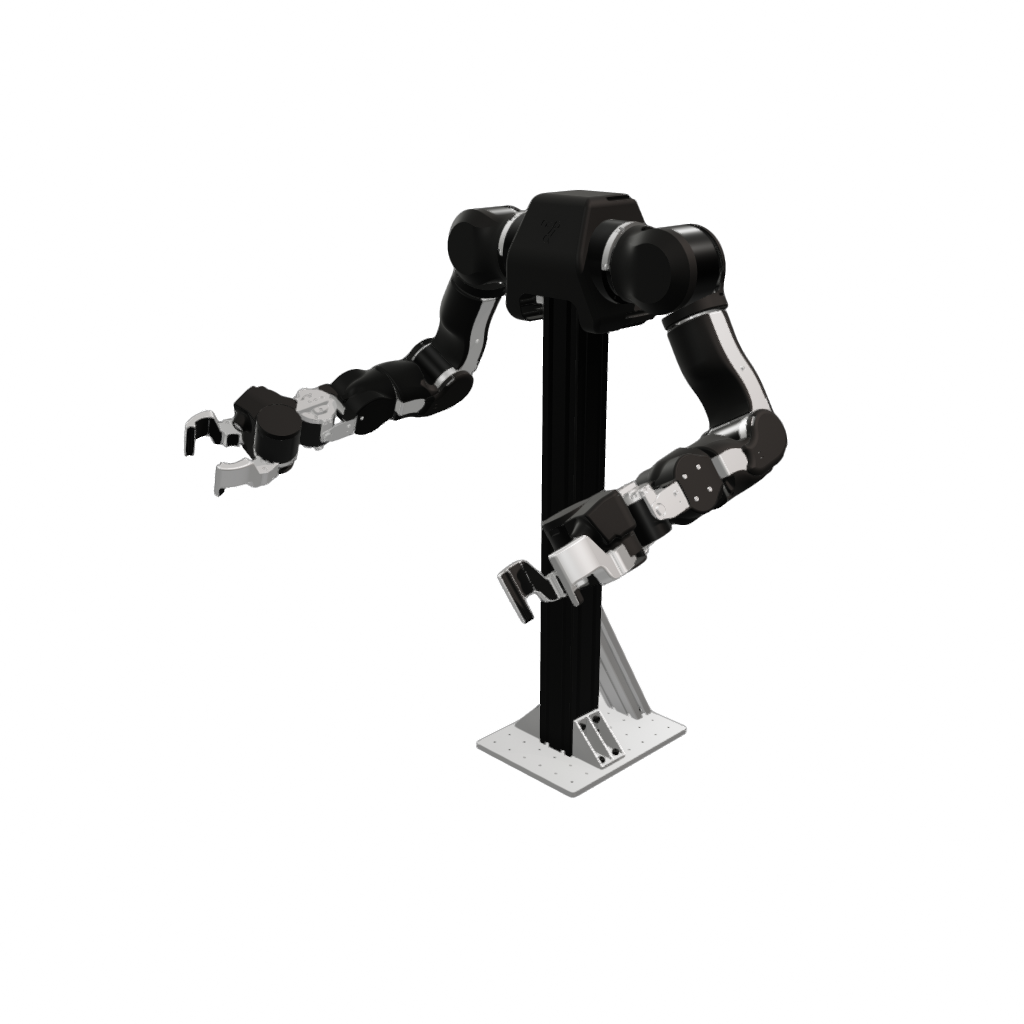
While you're free to construct modified bots from raw JSON, SuperDex Studio offers a comprehensive bot editor with instant visual feedback and validation. It's highly encouraged for authoring and iterating on mod bots. Create one from the asset browser with Create > Mod Bot..., or by right-clicking an existing bot and choosing Create Mod Bot... to pre-fill that bot as the base.
Path References and .superdex_root
Every path field you saw in the examples above (base, an AttachBot/
ReplaceLinkWithBot path, and a link's shape/renderModel) is resolved with
one of three forms:
- Plain relative (e.g.
render/link0_render.glb) — resolved against the referencing file's own directory. This is how a bot points at its own mesh assets in adjacentcollision/andrender/folders. //-rooted (e.g.//arms/fr3_v2/fr3_v2.superdex_bot) — resolved against the nearest.superdex_rootdirectory found by walking up from the file. This is the form used to reference other bots to assemble, which is why everybase/pathin the examples starts with//.@tag-rooted (e.g.@shared/grippers/2f_85.superdex_bot) — resolved against a tagged directory, used to reach assets in a different root (see below).
The // root
A .superdex_root marker file defines the root of a bot asset tree. A // path
is relative to the directory containing the nearest .superdex_root (walking up
from the referencing file). Any bots you want to assemble with // must live
under that same root — i.e. in a folder tree whose top contains a
.superdex_root file. Absolute paths and .. components are rejected, so all
references stay contained within the root.
Cross-root references with @
To reference assets that live in a separate root tree, a .superdex_root file
can declare named tags. It is a JSON object mapping each @tag to another root
directory (which must itself contain a .superdex_root); relative tag values are
resolved against the .superdex_root file's own directory:
{
  "@shared": "../shared_assets"
}
A path of the form @shared/grippers/2f_85.superdex_bot then resolves inside the
@shared root. This lets bots compose parts across independently-versioned asset
trees while keeping each tree self-contained.
Example layout
Putting it together — two roots, each marked by a .superdex_root, with a
composite bot that references sibling bots via // and a cross-root sensor via
@shared:
my_robots/
├── .superdex_root                     # { "@shared": "../shared_assets" }
├── arms/
│   └── fr3_v2/
│       ├── fr3_v2.superdex_bot
│       ├── collision/ …               # referenced as "collision/…"  (file-relative)
│       └── render/ …
├── grippers/
│   └── 2f_85/
│       └── 2f_85.superdex_bot
└── arm_hand_combos/
    └── fr3_v2_2f_85/
        └── fr3_v2_2f_85.superdex_bot # base:            //arms/fr3_v2/fr3_v2.superdex_bot
                                      # AttachBot path:  //grippers/2f_85/2f_85.superdex_bot
                                      # cross-root path: @shared/sensors/dg5f_seed/dg5f_seed.superdex_bot

shared_assets/
├── .superdex_root                     # {}  (a separate root; tag table may be empty)
└── sensors/
    └── dg5f_seed/
        └── dg5f_seed.superdex_bot
//arms/fr3_v2/fr3_v2.superdex_botand//grippers/2f_85/2f_85.superdex_botresolve againstmy_robots/(the nearest.superdex_root).@shared/sensors/dg5f_seed/dg5f_seed.superdex_botresolves againstshared_assets/via the@sharedtag declared inmy_robots/.superdex_root.collision/…andrender/…insidefr3_v2.superdex_botresolve relative to the bot's own folder.
Loading Modified Bots
Loading a mod bot uses the exact same API as loading a plain bot — pass its
.superdex_bot path to load_bot_prefab_from_file. The loader detects the
ModBotPrefab, resolves and applies its modifications, and hands back a single
compiled BotPrefab (all modifications flattened into one bot). Downstream
code can't tell the difference between a monolithic bot and a composed one:
import superdex.physics as physics
import superdex.robotics as robotics
from superdex.physics.paths import resolve_asset

# Create a physics scene to instantiate the bot into.
scene = physics.create_scene("Modified Bot Example")

# Same call as a plain bot — a ModBotPrefab is resolved and compiled transparently.
bot_prefab = robotics.load_bot_prefab_from_file(
    str(resolve_asset("bots/arm_hand_combos/fr3_v2_2f_85/fr3_v2_2f_85.superdex_bot"))
)

# Print the bot's name.
print(bot_prefab.name)

# Create a RoboticsContext, which owns the bot's controllers and sensors.
bots_context = robotics.create_context()

# Instantiate the compiled bot in the scene.
bot = robotics.create_bot(scene, bot_prefab, bots_context)
See also
- Bots
- Bot Assets — the arm/hand/combo prefabs we ship.